Your portfolio, and galleries where clients pick their favorites.
VersoPro is your portfolio site and your client galleries in one place. Clients sign in with their email, heart the photos they want, and download them.
One client gallery, from proofs to the last download.
Choose Proofs and Finals for a job with a review round, or a Single set when there isn’t one. Each client sees only the galleries you invite them to.
Proofs
Watermarked web sizes go up first, straight from your card, RAW files included.
Favorites
Your client hearts photos, adds a note, and sends the picks. Ask for a number, like 40. The bell in your editor tells you.
Finals
Edited photos and videos at full size. Clients choose a few and get one ZIP, or use Download all.
Close date
The gallery closes on the day you set. Move the date and it opens again.
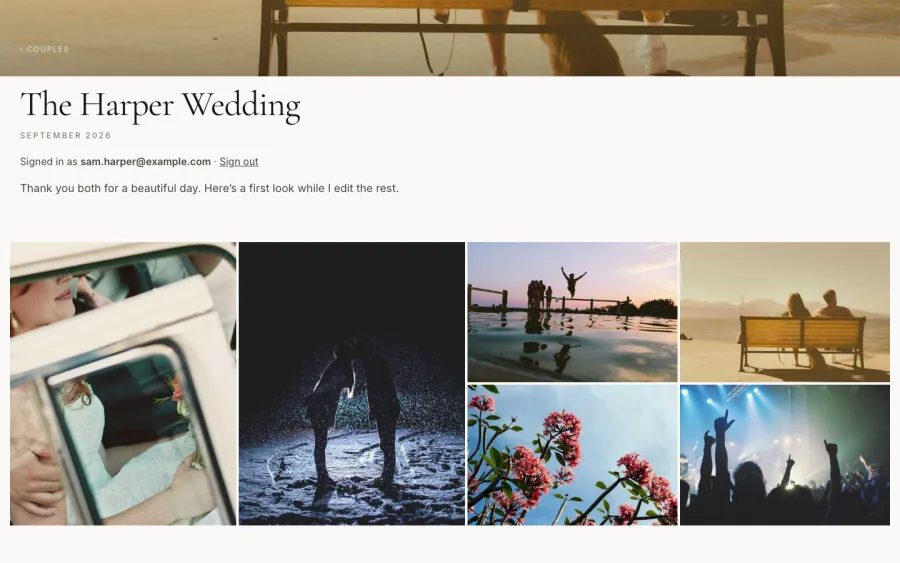
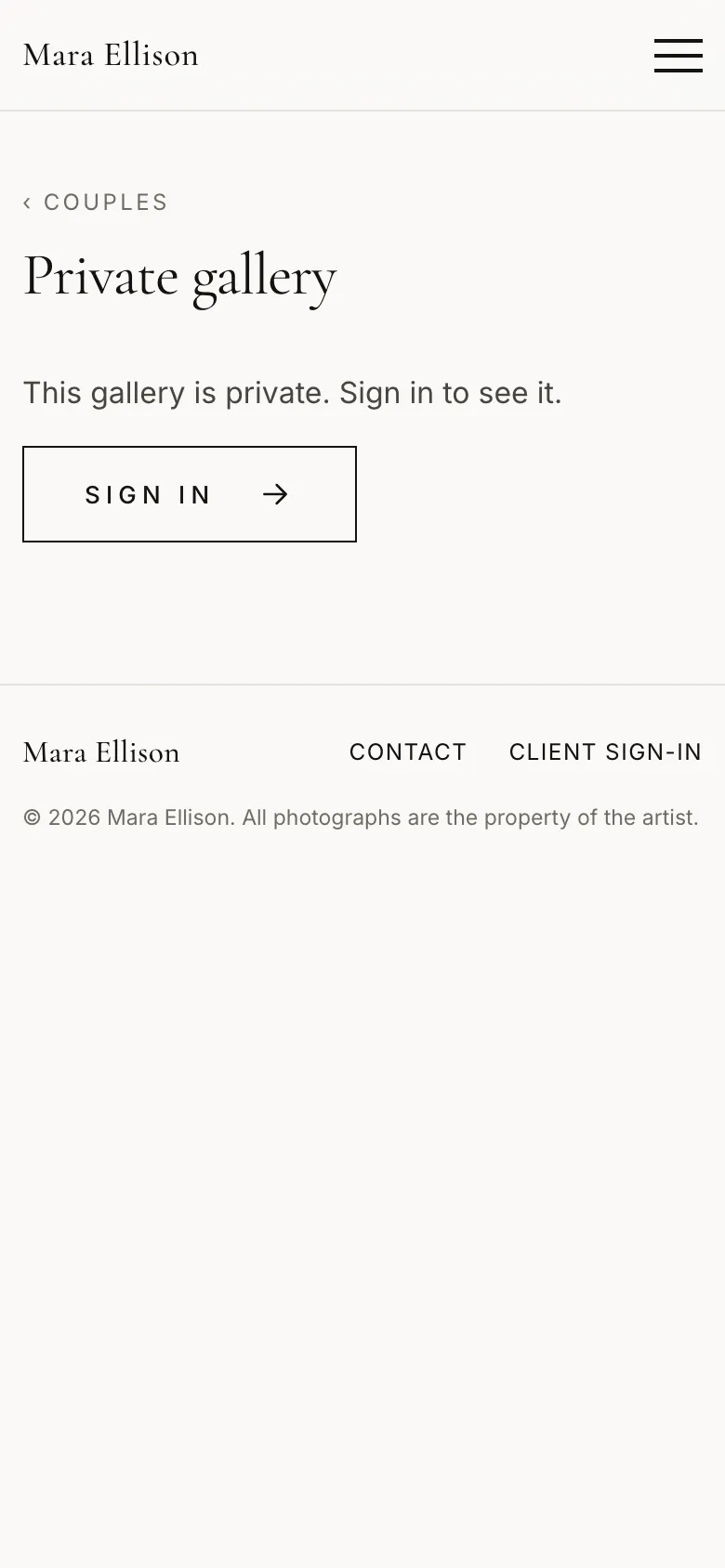
mara.versopro.com/couples/harper-wedding
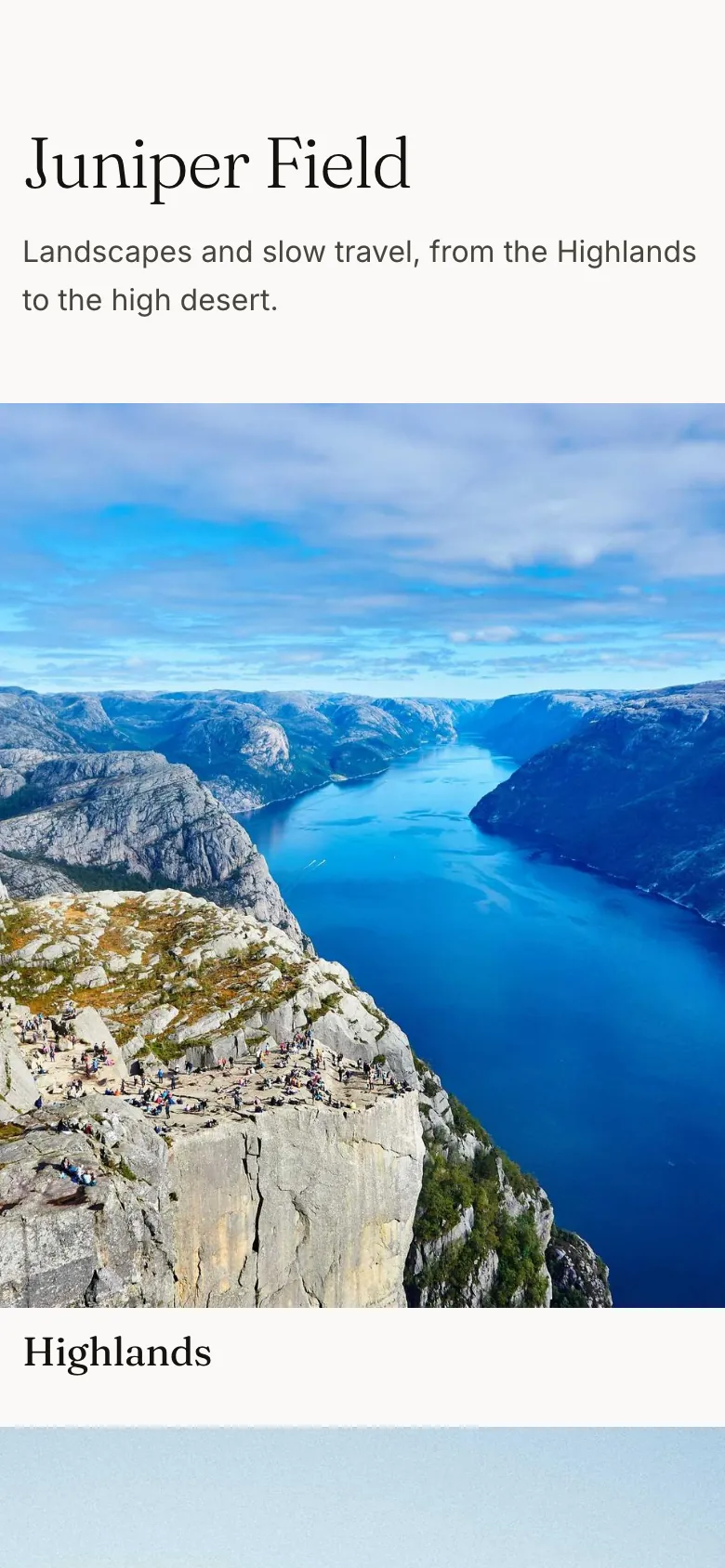
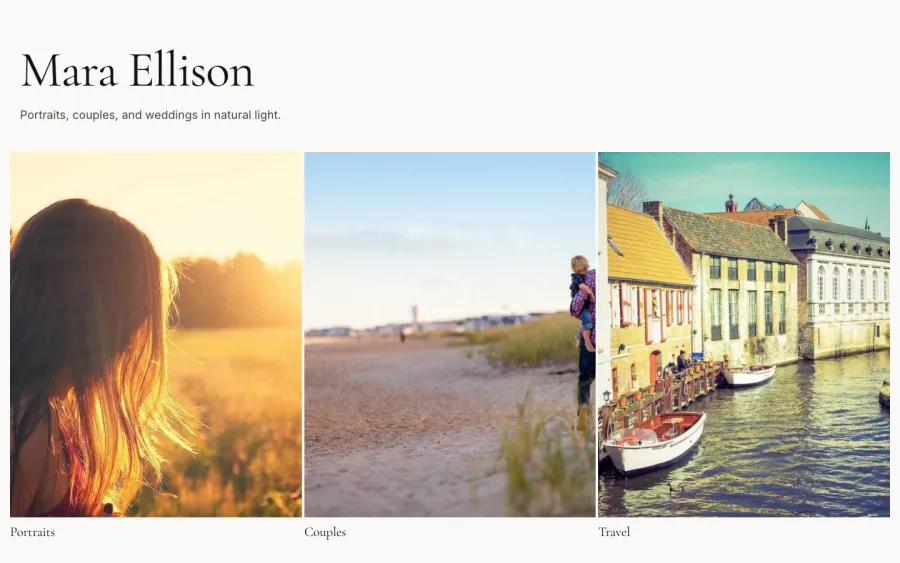
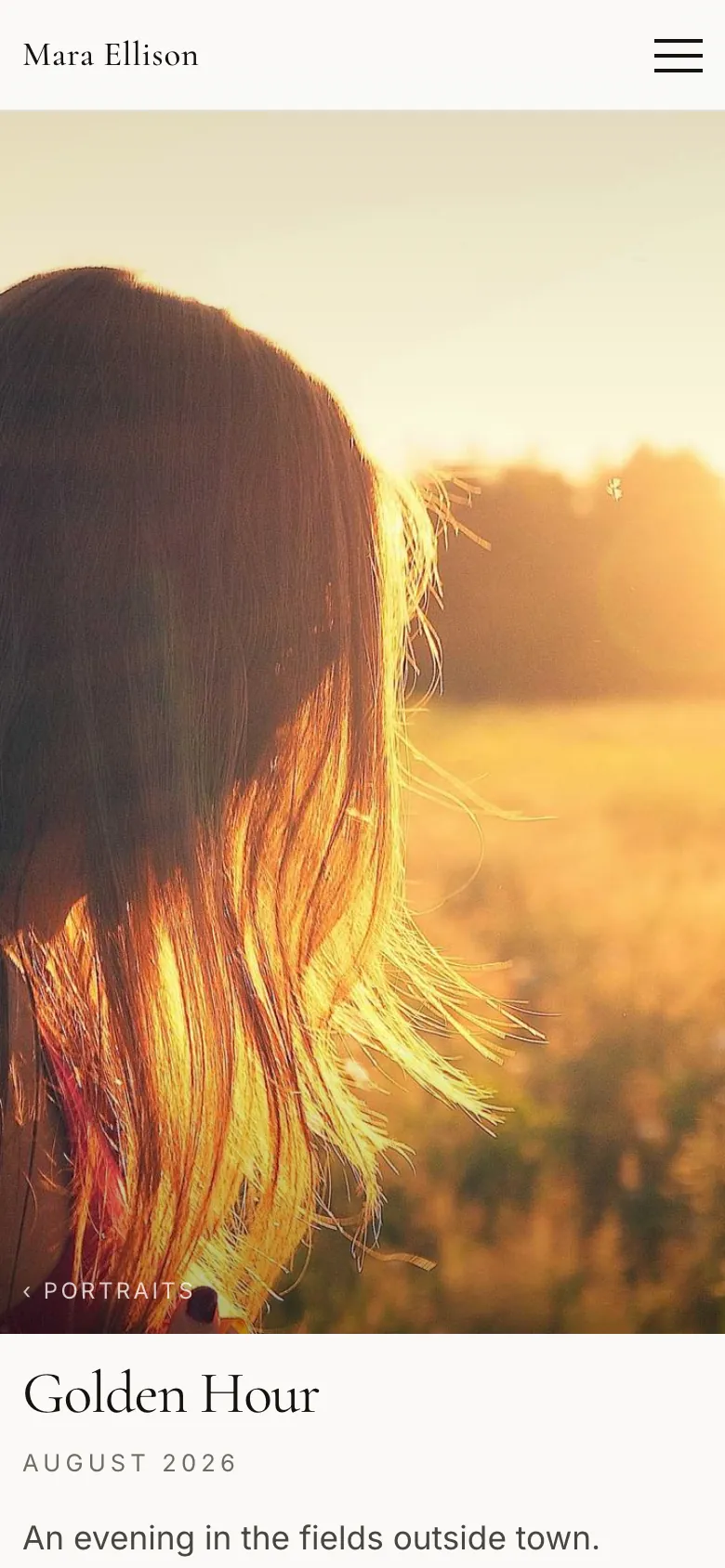
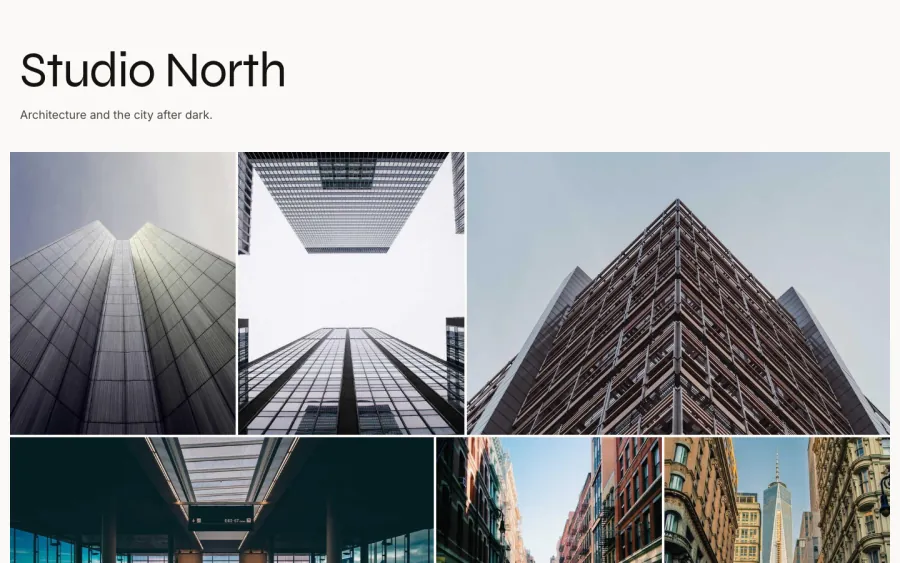
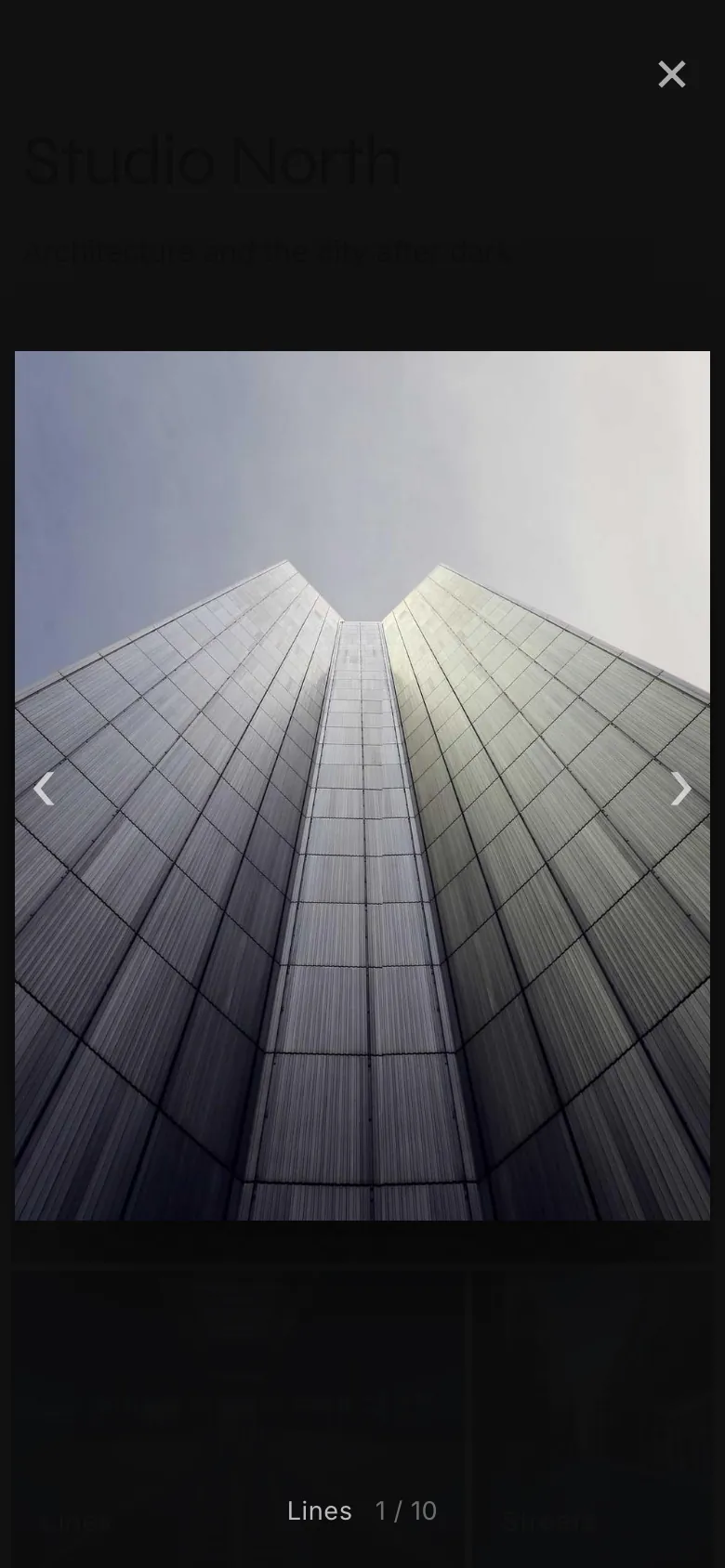
Sample sites, each with its own fonts, colors, and home page.
Three made-up photographers on the same platform, with sample photos.
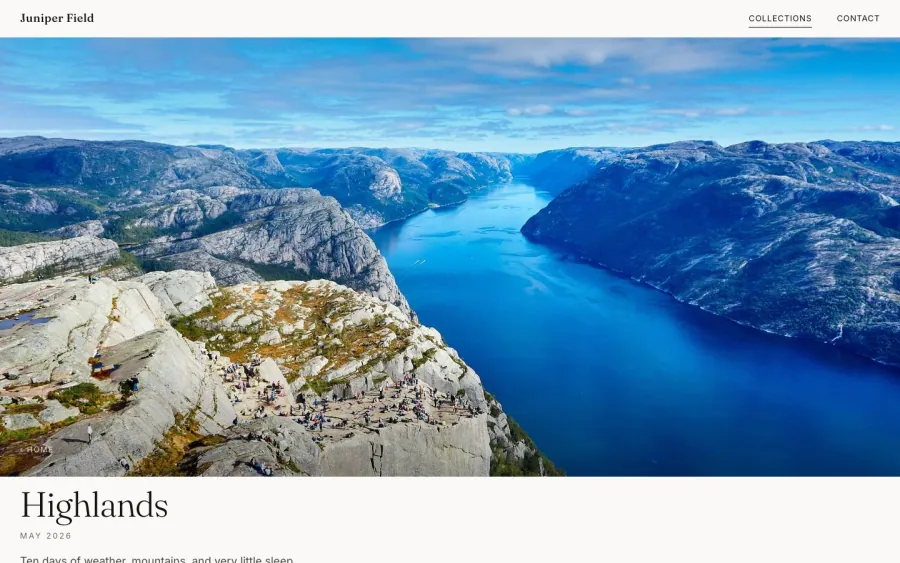
juniper.versopro.com/highlands
mara.versopro.com
north.versopro.com
From your first upload to a client’s sign-in.
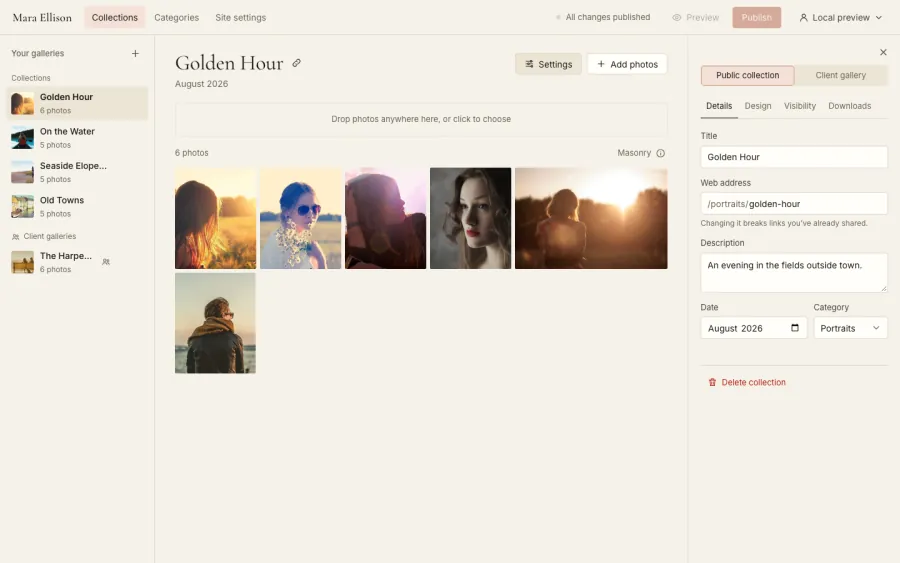
Make it yours, then publish
Pick your look. Choose fonts and colors, add your logo, and decide what your home page shows.
Drop in your photos. Straight from your computer or phone, iPhone photos included. Each one is sized for the web as it uploads, and its location is removed.
Preview, then publish. Your changes save as a draft. See the site exactly as visitors will, then publish when you’re ready.
mara.versopro.com/admin
An email, and they’re in
You invite them. Add their email address to a private gallery and send the invite.
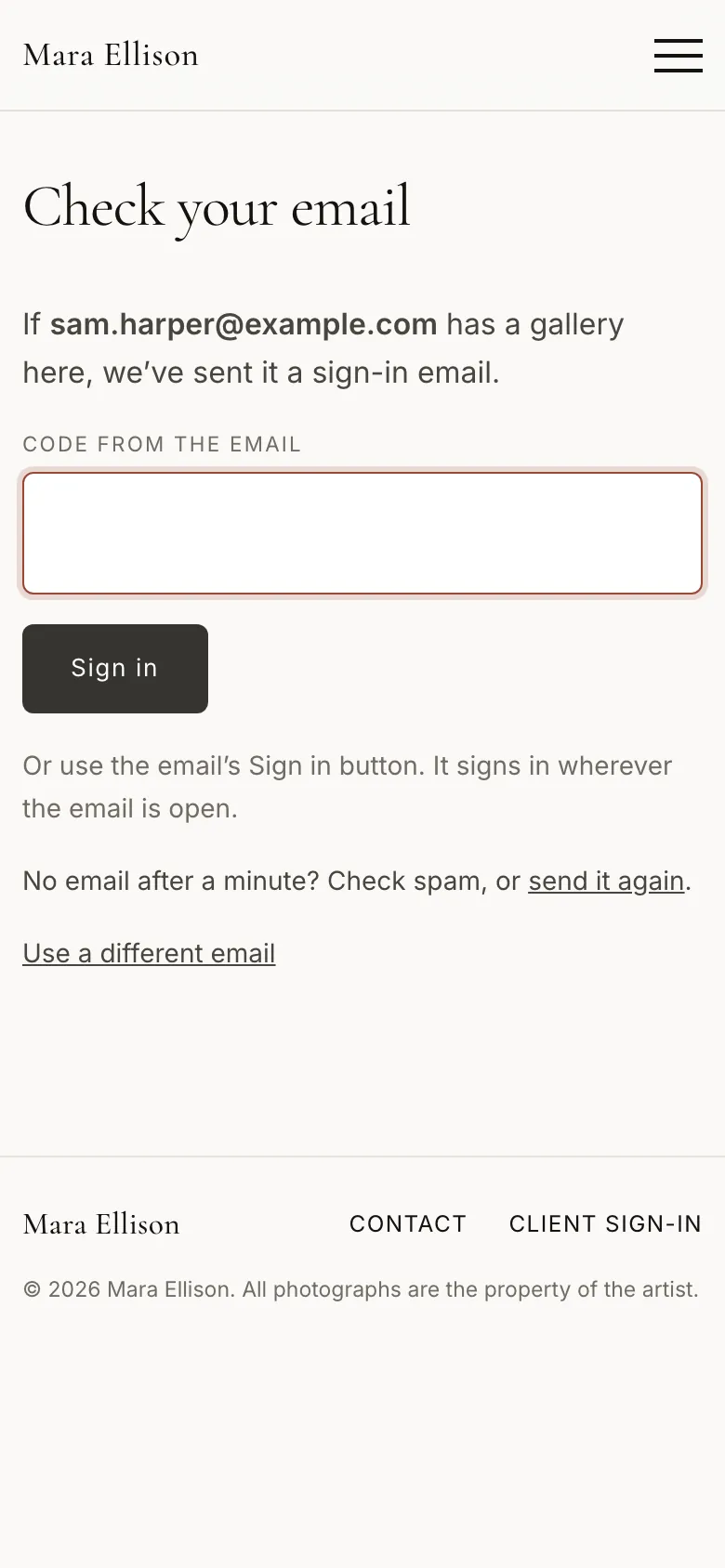
They sign in by email. A link, or a 6-digit code if they’re reading the email on another device. Nothing to remember.
They see their photos. Only the galleries you shared with them, on any screen.
Three plans, each with the whole product.
Your website is always included. Plans differ only in storage, client galleries, and editors.
Yearly saves 20% or more.
Site
A portfolio, plus the occasional client gallery.
$5/ month
$60 billed yearly
Storage
10 GB
Private client galleries at once
2
Editors
1
Opening soon
Recommended
Client
For photographers who share client galleries often.
$12/ month
$144 billed yearly
Storage
100 GB
Private client galleries at once
Unlimited
Editors
1
Opening soon
Studio
Room for a busy studio and a small team.
$20/ month
$240 billed yearly
Storage
500 GB
Private client galleries at once
Unlimited
Editors
3
Opening soon
Prices in US dollars. Billing opens when VersoPro launches.
What’s in every plan
Your site
Galleries that never cropVertical or horizontal layouts, regular or large photos, tight or roomy spacing.
Your own address and lookYour fonts, colors, and logo at yourname.versopro.com, with no VersoPro branding on the pages.
Cover designs and stylesPick how each collection opens. Give a category its own fonts and colors.
Categories and collectionsOrganize them your way, or open with your starred favorites.
About page and contact formMessages go straight to your inbox, and you reply from your own email.
A Share buttonVisitors can pass a gallery on. Turn it off for any collection.
Drafts and previewEvery change saves as a draft. Preview the real site before anyone sees it.
Drop straight from your cardRAW, JPEG, and HEIC in one drop. RAW files use the camera’s own preview and never leave your computer.
Private details removedLocation and your camera’s serial number are removed from every photo.
Made for phonesYour site and your editor both work on a phone, swipes included.
Download everythingYour photos and your site’s content as ZIP files, whenever you want.
Editors on StudioAdd editors on the Studio plan, each with their own sign-in.
Your clients
Proofs and Finals, or a Single setSend watermarked proofs first and the finished photos later, or share one set when that’s all the job needs.
FavoritesClients heart the photos they love, add a note, and send you their picks as a selection report. Ask for a number, like 40.
Choose and downloadClients pick the photos they want and get them as one ZIP, or use Download all on each section.
Close datesSet the day a gallery closes. Move the date and it opens again.
VideosClients play them in the gallery and download the original file.
Sign in by emailA link or a 6-digit code. No account and no password. Each client sees only their own galleries.
A gallery passwordWhen that’s all a job needs, protect a gallery with one shared password.
Downloads your wayTurn downloads off, offer web sizes, or allow full-size files, for the whole site or one gallery.
WatermarksYour name or logo on new uploads, collection by collection.
The bellPicks sent, invites accepted, a gallery about to close: it all waits in your editor.
Questions photographers ask.
Do my clients need an account or a password?
No. You add their email address to a gallery. They type it on your site and get an email with a sign-in link and a 6-digit code. Either one works, once, for 15 minutes.
Can clients see each other’s galleries?
No. A client sees only the galleries you invited them to. Private galleries never appear on your public pages, in your menus, or in search engines.
What happens when a gallery closes?
Clients can no longer open it. Its photos are removed 7 days after the close date unless you choose 30 days or never, and until then moving the date opens it again.
Can I add videos?
Yes. Clients play them in the gallery and download the original file.
Where does my site live?
At an address like yourname.versopro.com, with your name, your look, and no VersoPro branding on the pages.
Will my photos be cropped or squashed?
Never in a gallery. Every photo keeps its own shape, in both the masonry and grid layouts. Only the home page tiles use a fixed crop, and you choose which photo each one shows.
What happens to my photo’s details?
Your location, your camera’s serial number, and other private details are removed as each photo uploads. Your copyright line stays with every file.
How is this different from other photo platforms?
Many sell the website and the client galleries as separate products. VersoPro is one product with both, on every plan, and it’s built to stay simple.
Can I take my photos with me?
Yes. Download everything, your photos and your site’s content, as ZIP files at any time.
Be one of the first photographers on VersoPro.
VersoPro opens soon. Have a look at the plans while you wait.